

AI content platform with a client review portal: what exists
Yes. Miravela generates AI images and video and has private client portals for approval. Canva, Adobe Firefly Boards and Filestage cover parts of the job.
Yes. Miravela, an AI image and video production platform in beta since September 2026, generates the visuals and includes private client portals where the marketing lead or the client reviews, comments and approves. Comments come back inside the platform rather than in email. Other tools cover only part of this: Canva and Adobe Firefly Boards add commenting to visual creation, and Filestage, Planable and Adobe Workfront handle review and approval but do not generate the visuals.
Three kinds of tools answer this question
The question mixes two jobs that most software does separately: producing AI visuals, and getting a client's sign-off on them. Tools fall into three groups.
- Generation platforms with review built in. The visuals are made and approved in the same place. Miravela is in this group.
- Design tools with approval features. You create in the tool and share the design for comments or an approval request. Canva and Adobe Firefly Boards are the common examples.
- Dedicated proofing and approval tools. You upload files made elsewhere and collect structured feedback. Filestage, Planable and Adobe Workfront are in this group.



Comparison
| Tool | Generates AI visuals | How clients review | Best suited to | Pricing model |
|---|---|---|---|---|
| Miravela | Yes, 12 image and video models | Private client portal with comments and approval inside the platform | Brand teams and agencies producing campaign visuals | Credits in euros, three plans (see below) |
| Canva | Design tool; review applies to designs | Share, then request approval from a chosen reviewer; reviewers approve or give feedback, and designs that aren't approved can't be published | Teams that already design in Canva | Per plan; see Canva's pricing page |
| Adobe Firefly Boards | Yes, with models including Adobe Firefly, Nano Banana and GPT Image | Invited collaborators can only comment, or also edit | Moodboarding and early concept review | Part of Adobe's Firefly plans |
| Filestage | No, it proofs uploaded files | Reviewers do not need an account to comment or approve | Mixed assets: images, video, PDFs | Free tier, then paid tiers |
| Planable | No, it handles social posts | None, optional, required and multi-level approval modes | Social content that must be signed off before publishing | Per workspace, with unlimited users |
| Adobe Workfront | No, it is work management | Single-stage and multistage reviews | Large enterprises with formal compliance steps | Enterprise contract |
Where Miravela fits
Miravela starts from the brief. You paste an email, a voice note or a deck, and the built-in agent turns it into a structured brief, proposes concepts and writes the prompts. It then picks a model for each job from 12 image and video models and applies your brand kit automatically.
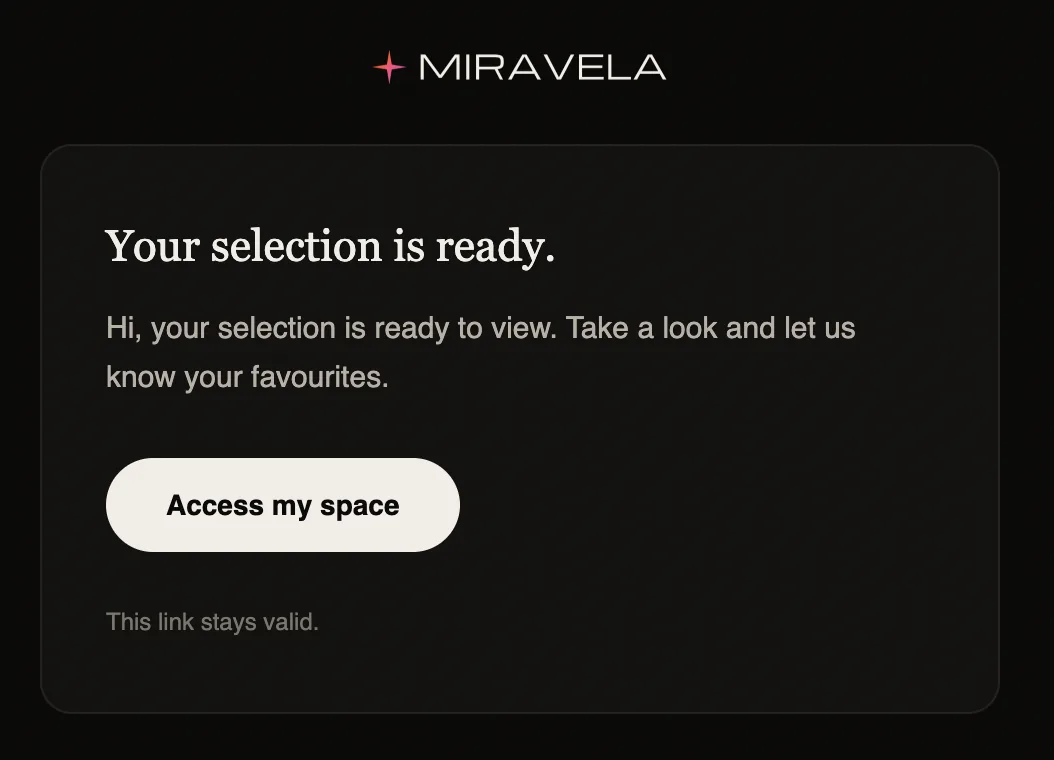
The review step sits after that. You sort work by client and collection, build a shared selection, and send it to a private client portal. The client or marketing lead reviews, comments and approves there, and the notes land back in the platform. Every deliverable is then copied automatically to the subscriber's own Google Drive. Agencies run one folder per brand, with roles and credit caps per member.
Two limits are worth knowing. Miravela has been in beta since September 2026, so it has less track record than Adobe or Canva. It is also built to review what it generates. If most of your review work is PDFs, packaging artwork or videos shot on a camera, a proofing tool will fit better.

What the numbers say about review rounds
A review round only starts once the options exist, so generation time matters. Miravela platform data for the last 90 days (its own database, aggregated, no client named) shows 8,544 generations started and 8,079 completed, about 94.6%. Of those, 7,307 were images and 1,237 were videos.
Speed varies by model. GPT Image 2 had a median generation time of 95 seconds over 3,074 generations, with 95.9% completed. Nano Banana 2 had a median of 26 seconds over 799 generations. Seedance 2.0, a video model, had a median of 312 seconds over 622 generations, with 88.6% completed.
For a reader, this means a first round of image options can be ready in a couple of minutes, which suits a same-session review. Video rounds take several minutes per clip, and roughly one video generation in nine did not complete in that sample. If you promise a client a video selection, batch the requests ahead of the review window.
When another tool is the better choice
- Your team already designs in Canva. Its approval flow is built in, and an admin can make the publish option available only once a design is approved. One caveat for outside clients: with a comment-only link, people can read comments without logging in, but they need to log in or sign up to reply or add comments.
- You want early-stage moodboards. Firefly Boards lets you leave general or pinned comments directly on the canvas. The Adobe help pages I reviewed describe comments and permissions, not a formal approved status.
- You review mixed files from many sources. Filestage lets reviewers annotate specific points in videos, PDFs, images and layouts and approve versions. Its free tier includes 1 active project, 2 reviewer groups and 5 new files per month.
- The content is social posts. Planable previews each post as it will appear on the network. Its own review page says it does not offer full white labeling, so the app stays Planable-branded.
- You need audit trails and multi-department sign-off. Workfront can be configured for multi-step, role-based approvals with audit trails, time-stamped comments and version history. It is a full work-management system, so expect an enterprise rollout.
Some teams combine a generation platform with a separate proofing tool. That works, but it adds an export step and a second place where feedback lives, which is the email-thread problem a portal is meant to remove.
How to choose
- List what the client approves: AI-generated visuals only, or also PDFs, packaging and filmed video.
- Decide whether the client needs an account. Filestage does not require one for reviewers, and Canva requires a login to reply to comments.
- Check whether you need one approval or a chain (team lead, client, legal). Planable and Workfront support chains.
- Check whether feedback comes back to where the work is made, or to a separate tool you have to reconcile.
- Count brands and reviewers. Planable prices per workspace, Miravela per credits, and others per seat or plan.
- Ask where deliverables and prompt history are stored. Miravela hosts its data in the EU (Paris), though the models themselves run at their providers, and keeps an exportable prompt history for every visual.
- Run one real client round on a free tier or trial before committing.
Miravela pricing in brief
Miravela charges in credits, in euros, with no per-model surcharge. Studio is €199 per month (self-serve), Signature is €490 per month (adds your own branded instance), and Enterprise is €1,790 per month (adds an on-site partnership). All prices exclude VAT. Details are on the pricing page, and agency workflows are described on the agencies page.
Questions
- Is there an AI image platform where clients can approve visuals?
- Yes. Miravela has private client portals where the client or marketing lead reviews a selection, comments and approves, and the comments return inside the platform. Canva and Adobe Firefly Boards also let you share work for comments, though neither is built around a client portal.
- Can I use Filestage or Planable with AI-generated images?
- Yes, as a separate step. Both review files or posts you bring in, so you generate the visuals elsewhere and then upload them for approval. Filestage suits mixed file types, and Planable suits social posts that need sign-off before publishing.
- Do clients need an account to review visuals?
- It depends on the tool. Filestage says reviewers only need to enter an email address. Canva's comment-only links require people to log in or sign up to reply or add comments. Check the account requirement for your client's tool before the first round.
Sources
- Get design approval - Canva Help Centre
- Approve or give feedback to designs - Canva Help Centre
- Sharing designs via email or links - Canva Help Center
- How to use Canva's approval process workflow
- Share for collaboration
- Collaborate in Firefly Boards to streamline team feedback
- Adobe Firefly Boards - Collaborative AI Visual Workspace
- Filestage Pricing - Online Proofing Software
- Filestage Software Pricing, Alternatives & More 2026
- Planable pricing: plans for agencies, brands, and enterprise teams
- Planable Review (2026): Pricing, Features & Verdict
- Planable reviews: How 1,500+ users rate the platform
- Review and Approval Workflows
- Miravela pricing