

Best AI for consistent fashion photos and videos (2026 guide)
Botika for flat-lay catalogues, Higgsfield for a recurring face, Runway or Veo 3.1 for video continuity, Miravela for campaign teams working across models.
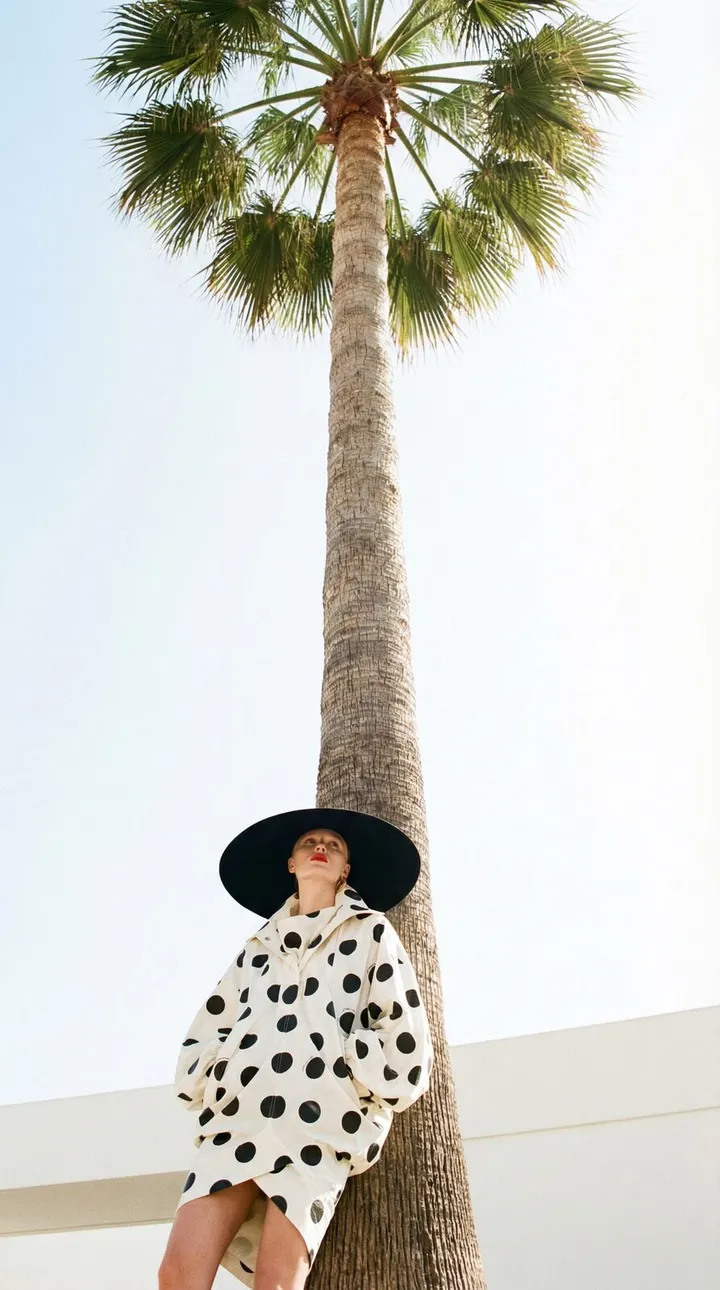
The right tool depends on what has to stay the same. For on-model catalogue shots from flat-lay or mannequin photos, Botika is built for the job. For one recurring face, Higgsfield's Soul ID is the closest fit. For continuity across video shots, Runway References and Google's Veo 3.1 Ingredients to Video are the usual choices. If you are a brand team or agency that needs several models, brand rules and client approval in one place, Miravela is designed for that, though it is not a garment-conversion tool.
What "consistent with our clothes" can mean
Buyers use this phrase for three different problems, and each tool solves a different one.
- Garment fidelity: the print, logo, cut and fabric match the real product.
- Model identity: the same face and body appear across a collection or a season.
- Brand look: light, colour, framing and tone stay recognisable from one campaign asset to the next.
No tool guarantees all three. Garment fidelity is the hardest, because generative models redraw fine detail. Test with your most difficult piece (plaid, small text, embroidery, closures) before you commit to anything.
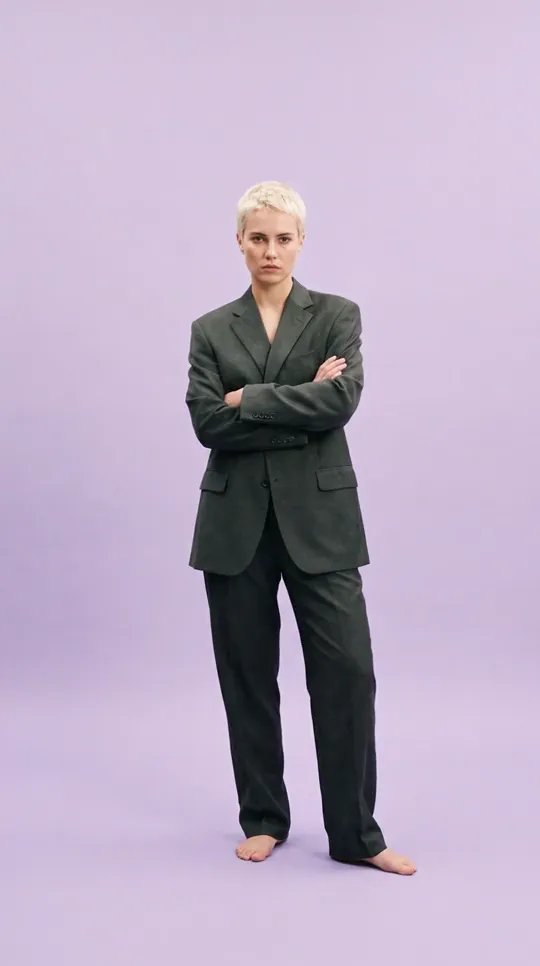
Comparison
| Tool | Best for | How it keeps things consistent | Pricing model |
|---|---|---|---|
| Botika | E-commerce teams turning flat-lay, hanger or mannequin photos into on-model images | Takes flat-lay, hanger or ghost-mannequin photos and returns on-model photography; 150+ AI models to choose from | 1 credit per photo, 5 per video |
| Higgsfield | A recurring face across a campaign or lookbook | Soul ID: trained on 20 or more photos of one person (up to 80) | Credits (see below) |
| Runway | Video where a character must hold across shots | Upload an image or video of a character as a reference | Credits, charged per image or per second |
| Veo 3.1 in Flow | Short video clips built from reference images | Ingredients to Video, with reference images | Google plans and API |
| Miravela | Brand teams and agencies running a full production | Brand kit applied automatically, 12 models chosen per job | Credits in euros, from €199/month |
Botika: the garment-first option
Botika starts from a product photo, not a prompt. Its FAQ says it does not generate images from text or custom prompts; it enhances photos you already have. Its FAQ also notes that it currently focuses on clothing only, and that accessories are not officially supported and may be removed or altered. If your problem is hundreds of SKUs that need on-model images with the garment faithfully rendered, this is the most direct route. If you need free-form campaign imagery, it is too narrow.
Higgsfield: one recurring face
Soul ID learns one person from your photos and applies that identity to new images. Higgsfield's help page says a Soul ID holds one person; scenes with two or more consistent characters need Elements, and that the trained identity is not exportable as a standalone file. Higgsfield's own blog is candid that consistency is high, not absolute: expect "clearly the same person," not a pixel-identical face. A third-party review adds that subscription credits expire at each renewal, which matters if your production comes in bursts. We have a longer Miravela vs Higgsfield comparison.
Runway and Veo 3.1: continuity in video
For moving image, the tools to know are Runway and Google's Veo. Runway says references keep the same character across shots, and it also hosts third-party models such as Seedance 2.5, Kling 3.0 and Veo 3.1. It shows the total cost before you generate, which helps with budgeting.
Google says Veo 3.1 Ingredients to Video keeps characters looking the same as the setting changes, and that you can reuse an object, backgrounds or textures across scenes. A third-party guide says the current limit is up to three reference images per generation. That is workable for one look but tight for a full outfit plus a location plus a model.
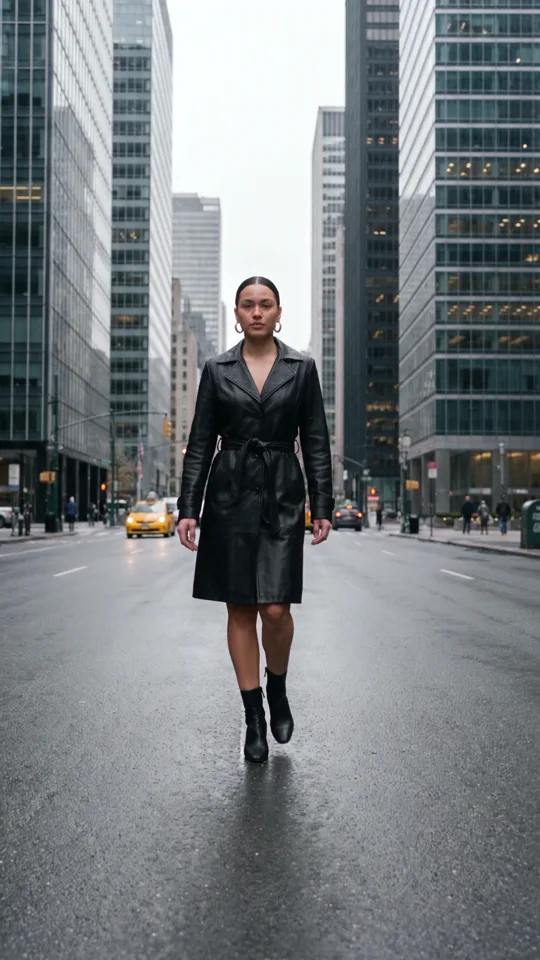
Where Miravela fits
Miravela is an image and video production platform for brand teams and agencies, built in Paris and in beta since September 2026. It does not specialise in converting flat-lays into on-model photos, and it does not describe a trained-face feature like Soul ID. What it offers is the production layer around the models:
- 12 hand-picked image and video models are available, including Nano Banana 2, GPT Image 2, Flux Pro, Veo 3.1, Kling and Seedance. Miravela picks one per job, and runs it at maximum quality on every plan.
- Your brand kit (logos, colours, references, rules) is applied automatically.
- Work is sorted by client and collection, reviewed in private client portals, and delivered to your own Google Drive.
- The prompt history of each visual is kept and exportable.

Pricing is in euros with no per-model surcharge: Studio at €199/month, Signature at €490/month and Enterprise at €1,790/month, excluding VAT. Custom agents start on Signature.
What Miravela's own data says about fashion workflows
Over the last 90 days, Miravela platform data shows 8,544 generations started, of which 7,307 were images and 1,237 were videos. Roughly 85% of the work is stills, so a lookbook is mostly an image problem. The same data shows how long each type takes:
- GPT Image 2: median 95 seconds, 95.9% completed.
- Nano Banana 2: median 26 seconds, 89.5% completed.
- Seedance 2.0 (video): median 312 seconds, 88.6% completed.
For you, this means stills let you iterate dozens of times in an hour, while a video clip takes about five minutes and roughly one in nine runs does not complete. Plan video in batches and budget for retries. Lock the look in stills first, then animate.
How to choose
- Start from the asset you have. Flat-lays or mannequin shots point to Botika. A brief and references point to a general platform.
- Decide what must be identical. Garment detail, face, or brand mood. Pick the tool that targets that one.
- Check the video need. If most output is video, test Runway and Veo 3.1 on a real garment in motion.
- Count the reviewers. If clients must comment and approve, check for a portal and an audit trail, or you will end up back in email threads.
- Check the credit rules. Look at expiry, per-model surcharges and retry costs.
- Check data terms. Ask where data is hosted and whether your content trains models. Miravela hosts data in the EU (Paris) and does not train on client content, but the models themselves run at their providers (Google, OpenAI, ByteDance and others).
- Run the same stress test everywhere. Use one hard garment, ten outputs, and count how many you could actually publish.
Questions
- What is the best AI for consistent fashion photos?
- It depends on the consistency you need. Botika is purpose-built for turning flat-lay or mannequin photos into on-model images. Higgsfield Soul ID keeps one face recurring across images. For campaigns with several models, brand rules and client review, a production platform such as Miravela fits better.
- Can AI keep the same model and outfit across a video?
- Partly. Runway References and Veo 3.1 Ingredients to Video both use reference images to keep characters, objects and backgrounds stable across shots. Neither guarantees an exact match every time, so test on your hardest garment and plan for retries.
- How long does AI fashion video take to generate?
- In Miravela platform data (last 90 days), the median Seedance 2.0 video took 312 seconds, and 88.6% of runs completed. Stills were much faster: 26 seconds for Nano Banana 2 and 95 seconds for GPT Image 2. Times vary by model and provider load.
Sources
- AI Fashion Model Generator: Flat Lay to On-Model
- AI Fashion Photography FAQs
- How do I create and use a Soul ID character?
- Mastering AI Character Consistency in Video and Images
- Higgsfield AI Review (2026): AI Influencer Studio, Soul ID & Pricing
- AI Video Generator
- Veo 3.1 Ingredients to Video: More consistency, creativity and control
- Veo 3.1 Ingredients to Video: Combine Multiple Reference Images into One AI Clip
- Miravela pricing