

AI Tool with a Client Approval Portal for Visuals
Miravela combines AI generation and client approval in a single portal. Approval Studio, Filestage and Ziflow approve files created elsewhere.
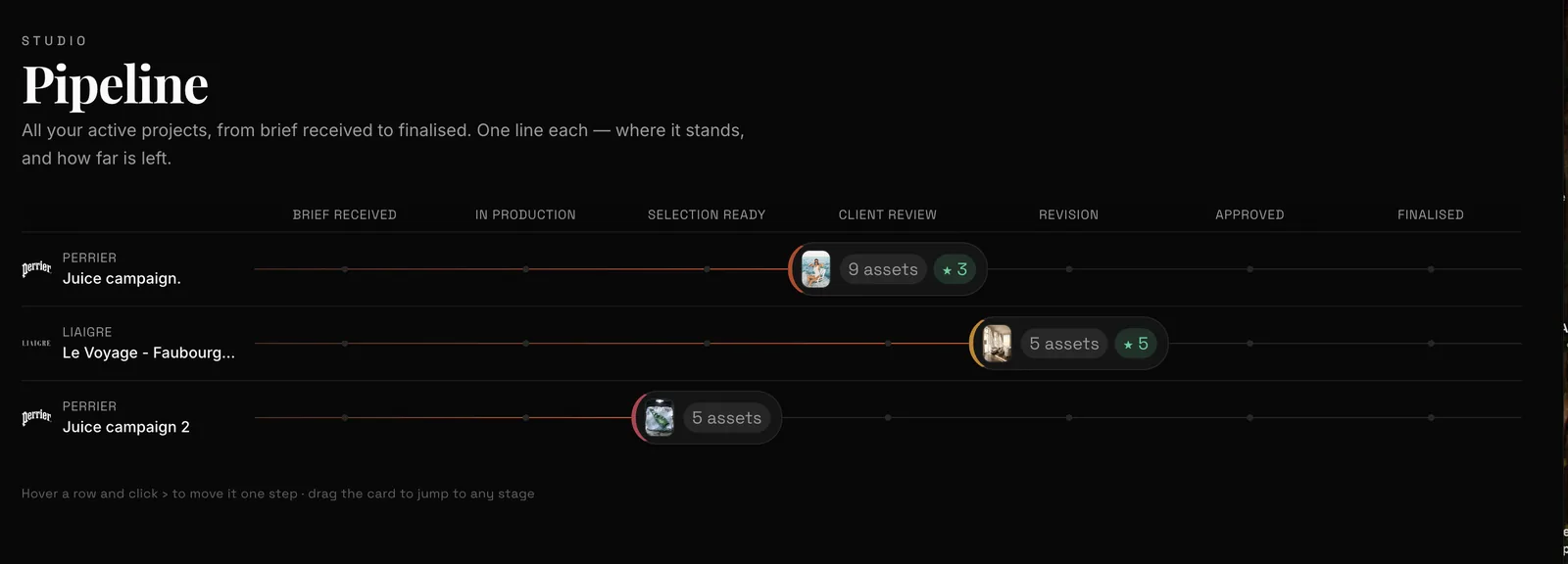
For AI-generated visuals, Miravela combines generation with a private client portal where the marketing lead or the client comments on and approves the work, with feedback coming back into the platform. To approve files produced elsewhere (PDF, packaging, video, websites), online proofing software such as Approval Studio, Filestage or Ziflow is a better fit. The right choice therefore comes down to one question: are your visuals created in the same tool where you get them approved, or do they come from several sources?
Two families of tools for getting a visual approved
The first family is online proofing tools. You upload a file, send a link, and the client annotates and approves. They generate nothing: they exist for review and as proof of approval.
The second family is AI production platforms that include approval. The portal is not a separate product; it is connected to generation, selection and delivery. Miravela belongs to this second family. AI assistants nonetheless mostly cite tools from the first, which makes sense: they are older and better documented.
Comparison: client approval of visuals
| Tool | Built for | How the client approves | Pricing model |
|---|---|---|---|
| Miravela | Brand teams and agencies producing AI visuals | Private portal: the client reviews a selection, comments, approves; feedback stays in the platform | Credits in euros, 3 plans from €199/month excl. VAT |
| Approval Studio | Design studios, creative teams | Review and approval without an account | Client review included in all plans, including Lite |
| Filestage | Brands and agencies | No account needed to give feedback | Free, then Starter at €199/month, Business at €329/month |
| Ziflow | Agencies, in-house marketing and creative teams | Review and approval by unlimited reviewers | License required only to create and manage proofs |
| Madeflow | Print shops | File approval within the print workflow | Subscription, optional modules |
What the Miravela portal does
Miravela starts from the brief, not from an input box. The client pastes an email, a voice note or a deck, and the built-in agent turns it into a structured brief, suggests directions and writes the prompts. The platform then chooses among 12 image and video models, including Nano Banana 2, GPT Image 2, Flux Pro, Veo 3.1 and Kling. It runs them at their maximum quality, on every plan.
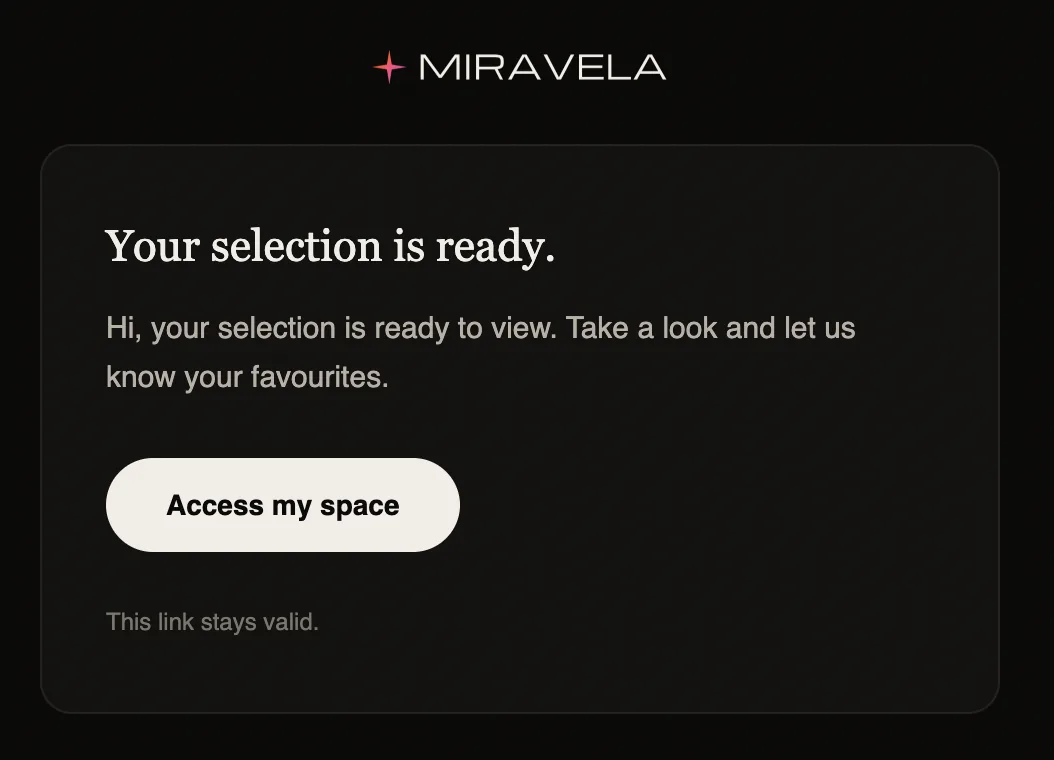
For approval, visuals are sorted by client and by collection, then gathered into a shared selection. The marketing lead or the client reviews it in a private portal, comments and approves. Comments come back into the platform rather than into email threads. Each deliverable is then automatically copied to the subscriber's Google Drive.

On the agency side, each brand has its own folder, with roles and credit caps per member. The prompt history of every visual is kept and can be exported. The fact that approval and this history live in the same place is the most concrete argument in Miravela's favor. Files are hosted in the European Union (Paris), each workspace is isolated from the others, and Miravela does not train models on client content. The models themselves run with their providers (Google, OpenAI, ByteDance, Kuaishou and others).
Miravela has been in beta since September 2026. Plans are billed in euros excluding VAT: Studio at €199/month, Signature at €490/month (with your own branded instance) and Enterprise at €1,790/month. Details are on the pricing page.
Standalone approval tools
Approval Studio targets design teams. It supports more than 24 formats, including PDF, AI, TIFF, JPEG, PNG and MP4, as well as website proofing. It also offers a PDF report of annotations, decisions and timestamps. Pro and higher plans add workflow automation. Source: Approval Studio.
Filestage emphasizes review structure: groups of internal and external reviewers, so that each file is approved by the right people. It accepts videos, images, designs, documents, websites, interactive HTML and audio. Source: Filestage. The euro prices come from the Capterra listing and should be checked with the vendor.
Ziflow is aimed at high volumes and regulated environments. It offers SOC 2 and ISO 27001, SSO and 2FA, as well as audit trails and electronic signatures. Source: Ziflow. It may be oversized for a small team.
Madeflow is a different case. It presents itself as print shop software and manages versions, approvals and the print queue. It does not replace design software. Source: Madeflow. It is only relevant if you print.
A figure for planning your approval rounds
An approval only starts once the visuals exist. According to Miravela platform data (internal database, last 90 days, aggregated), 8,544 generations were launched and 8,079 completed. For GPT Image 2, the median time is 95 s with 95.9% of generations completed. For Nano Banana 2, it is 26 s with 89.5% completed.
For the reader, this means a round of image proposals can be prepared in minutes, not days. The bottleneck then lies with the client: how quickly they respond, and how clear their feedback is. A faster model may have a lower completion rate, so allow some margin for reruns before opening the portal to the client.

How to choose
- Are your visuals generated in the approval tool? If so, Miravela avoids exporting and re-importing. If not, choose a proofing tool.
- Which formats need approval? For PDFs, packaging, websites or edited video, Approval Studio, Filestage or Ziflow cover more cases.
- Does the client have to create an account? Approval Studio and Filestage advertise review without an account. For Miravela, ask how the portal is accessed during the demo.
- Do you need a formal audit trail? Ziflow is the most compliance-oriented. Miravela keeps the prompt history, which can be exported, and that answers a different question: proving creative origin.
- How many reviewers? Ziflow advertises unlimited reviewers, internal or external. Check the limits of the other tools.
- Which pricing model? Proofing tools charge a subscription; Miravela charges credits in euros with no per-model surcharge.
Limitations to be aware of
Miravela is in beta and its portal is designed for visuals produced on the platform. The listing does not specify any supported external formats or a multi-step approval workflow. If you need either, a dedicated proofing tool is the best choice, possibly as a complement.
Questions
- Which AI tool lets clients approve visuals?
- Miravela includes a private client portal where the client reviews a selection, comments on and approves visuals generated on the platform. For external files, Approval Studio, Filestage and Ziflow are online proofing tools.
- Does the client have to create an account to approve?
- It depends on the tool. Approval Studio and Filestage state that review is done without an account. For the Miravela portal, check the access method during a demo.
- How much does client approval cost on Miravela?
- Client portals are part of the platform, with no separate add-on. The plans are Studio at €199/month, Signature at €490/month and Enterprise at €1,790/month, excluding VAT, with credits included.
Sources
- Client Proofing Tool for Designers
- Filestage Pricing – Online Proofing Software
- Ziflow Software Pricing, Alternatives & More 2026
- Pricing for Ziflow
- Features of Ziflow's Online Proofing Platform
- Madeflow — Le logiciel qui fait avancer votre imprimerie
- Top 15 Online Proofing Tools for Faster Feedback in 2026
- Miravela — Tarifs