

How a Fashion Brand Can Create Its Own AI Model for E-commerce
Write a casting brief, generate the model from text or references, lock the identity, test on real garments, and label it. Tools and trade-offs compared.
A fashion brand creates its own AI model in five steps: write a casting brief, generate the face and body from text or reference images, lock that identity in a reusable reference set, test it on your hardest garments, and label the published images as AI-generated. Fashion-specific tools such as Botika, FASHN and Browzwear's Lalaland.ai handle the garment-to-model step. A general multi-model platform such as Miravela suits campaign and lookbook imagery better than SKU-by-SKU catalogue work. "Exclusive" is only as strong as your contract and your reference set, so check what each vendor actually promises.
What "exclusive AI model" means in practice
Three different things get called a virtual mannequin:
- A library model you pick. Anyone on the tool can pick the same face. This is the cheapest route and the least exclusive.
- A model created for your brand. The face and body are generated once from your brief or references, stored, and reused across every product page and campaign.
- A model based on a real person. This needs written consent and a clear licence for likeness, and it raises personality-rights questions that a fully synthetic face does not. A graswald webinar summary lists the use of a real model's likeness as an open legal question.
Most brands that say "our own AI model" mean the second option. No tool can stop a competitor from generating a similar-looking face, so exclusivity is mostly about owning the reference set and having it written into your contract.
Step 1: Write a casting brief
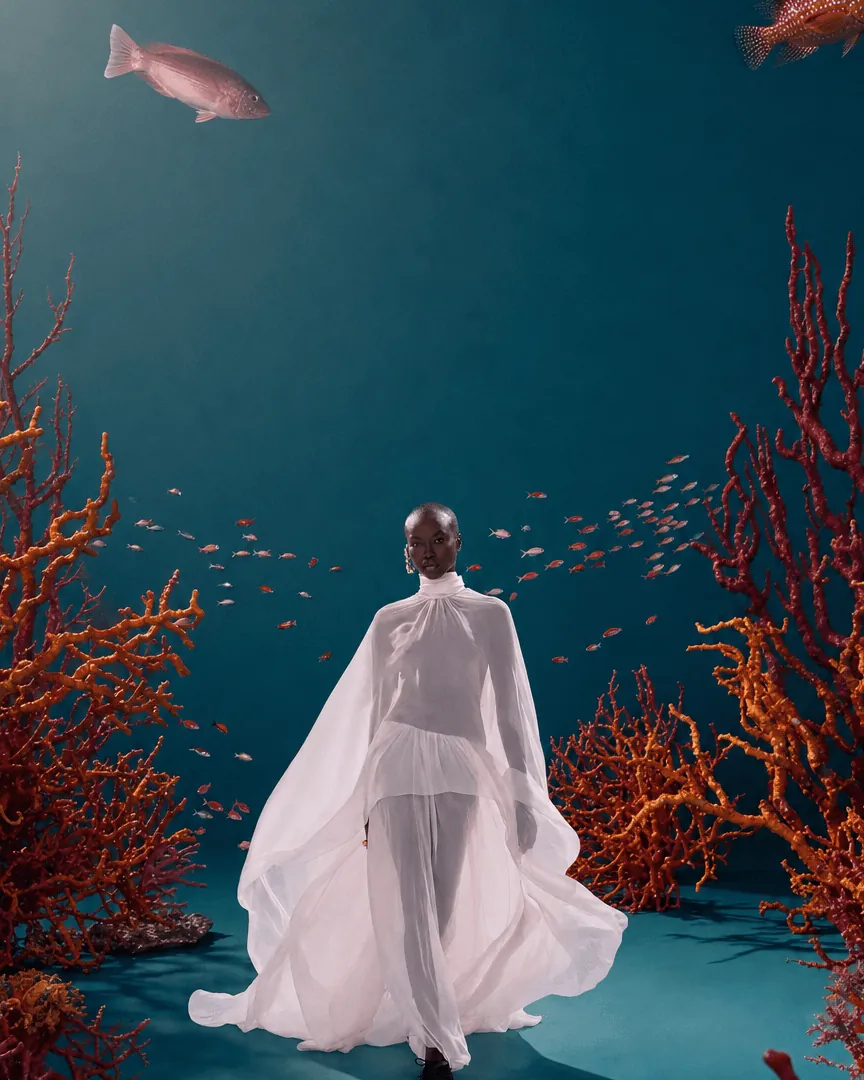
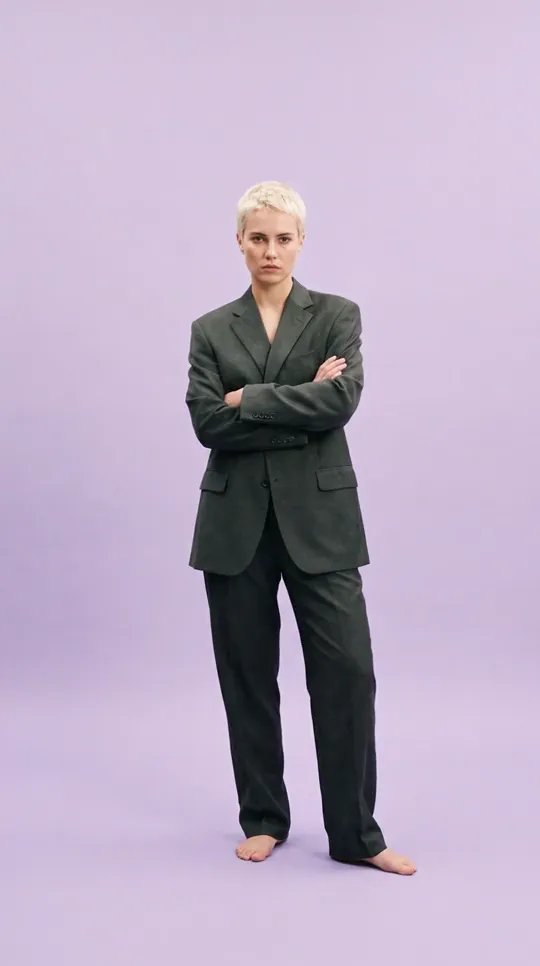
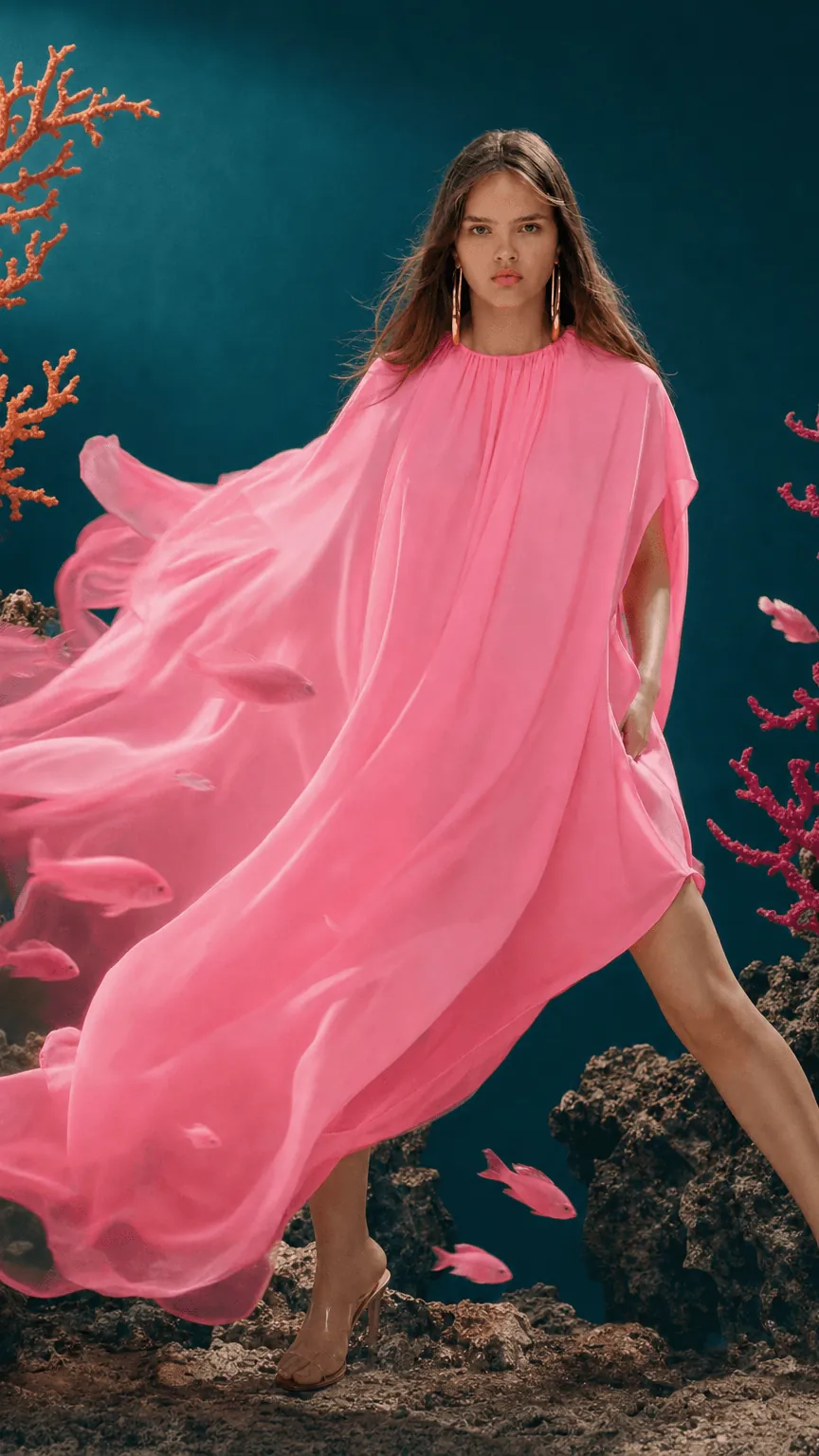
Treat the AI model like a hire. Write down age range, body type, skin tone, hair, expression, posture, the styling rules (make-up, jewellery, footwear), and the markets the model will appear in. Decide early whether you need one signature face or a small cast. A cast covers more sizes and skin tones, and it avoids the sense that one synthetic person is on every page.
Step 2: Choose a route
There are four realistic routes:
- Use a fashion-specific tool with a model library, then ask for exclusivity at enterprise level.
- Use a fashion API that can create a model from a prompt or a reference image.
- Use a 3D-design-led workflow if your collection already exists as digital garments.
- Use a general image and video platform and build the identity yourself from references.
| Option | How you get a brand-specific model | Best for | Pricing model |
|---|---|---|---|
| Botika | 150+ AI models to choose from. An independent review says the self-serve plans do not let you create custom models, while the enterprise plan advertises exclusive models and backgrounds. | Turning flat-lays and ghost-mannequin shots into on-model photos at catalogue scale | Credits: 1 per photo, 5 per video (pricing) |
| FASHN | A Model Create endpoint generates a fashion model from a text prompt or a reference image. A Face to Model endpoint turns a selfie into an avatar. A face reference keeps the same identity across images. | Teams that want fine control, or developers building into their own store | Credits cover every action, from creating models to try-ons. New accounts get 10 free credits. (pricing) |
| Lalaland.ai (Browzwear) | Brand-specific models you can tailor, with adjustable size, emotion, pose, skin tone and hair. Browzwear acquired Lalaland.ai in 2025. | Brands already designing in 3D, who want models before samples exist | Not published on the pages checked; ask the vendor |
| Miravela | Brand kit and references applied automatically, 12 image and video models chosen per job. It has no dedicated "train a mannequin" feature. | Campaign, lookbook and editorial imagery, and agencies working for several brands | Credits in euros: Studio €199, Signature €490, Enterprise €1,790 per month, excl. VAT (pricing) |
Credits are not comparable across tools. One credit means different things at each vendor, so price a real batch of your own SKUs rather than comparing headline numbers.
Step 3: Lock the identity
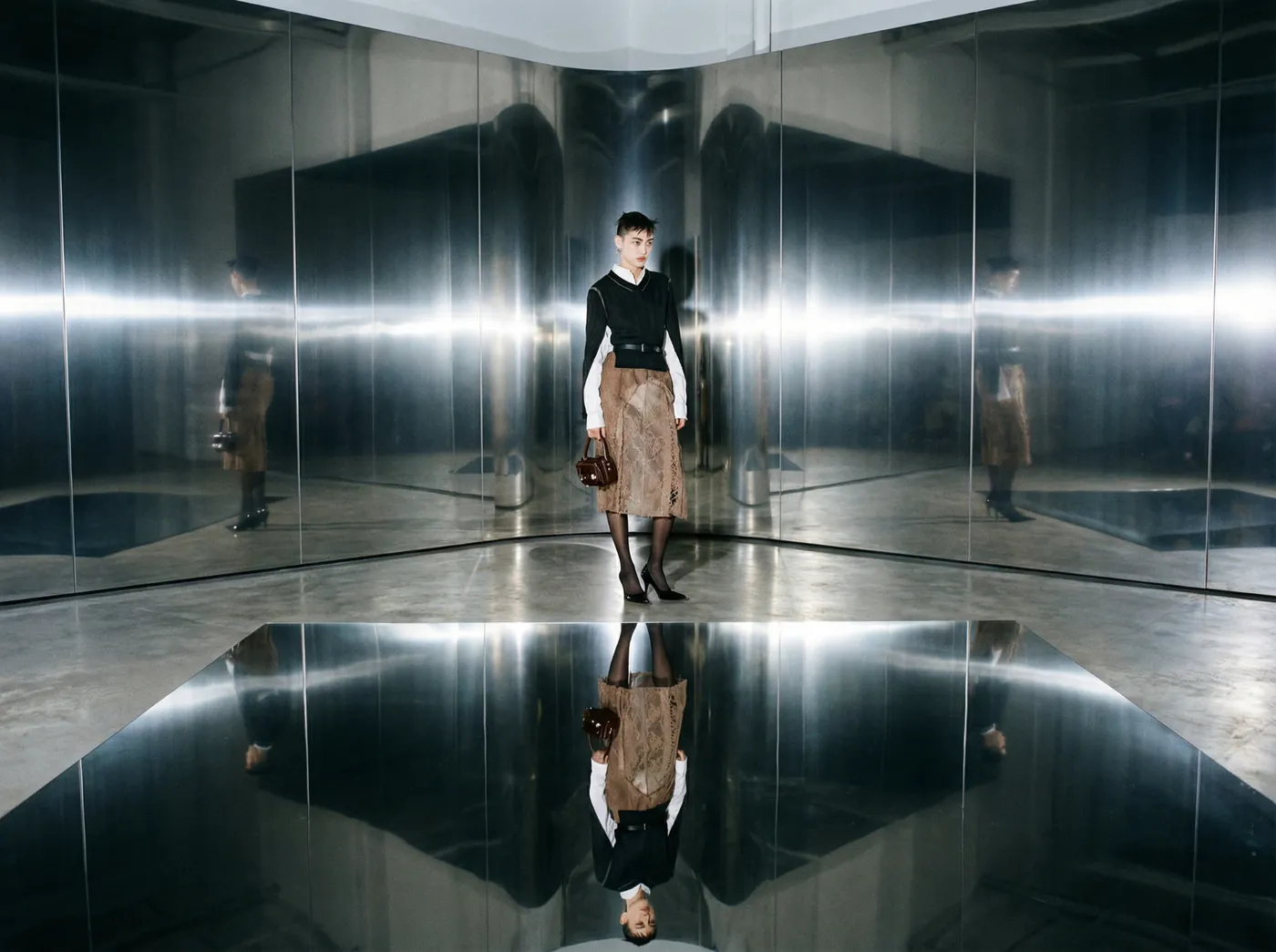
A model is "yours" once you can reproduce it on demand. Build a reference set: a neutral front, three-quarter and profile view of the face, a full-body shot, and two or three expression variants. Store the files and the prompts that produced them. FASHN's documentation shows one way to do this inside a tool: you generate the model once and then pass a face reference so later images keep the same identity. On a general platform, you attach the reference set to every new brief.
Step 4: Test on your hardest garments
Don't judge a model on a plain white T-shirt. Nightjar's guide suggests using a difficult garment with plaid, fine stripes, text, closures and embroidery, then comparing every generated area with the source at full resolution. Check that the garment is true to the real product, because a shopper who receives something different will return it. A fit preview is not a size guide either. FASHN states on its own page that virtual try-on does not measure the body or predict the correct garment size.
Where Miravela fits, and where it does not
Miravela is a production platform for brand teams and agencies. You paste a brief, the agent structures it, and Miravela picks among 12 image and video models. Your brand kit (logos, colours, references, rules) is applied automatically. Clients review and approve in a private portal, and every deliverable is copied to your Google Drive. The prompt history of each visual is kept and exportable, which is useful if you ever need to show how a model image was made.
It is a good fit when your AI model appears in campaigns, lookbooks and video, and when several people must approve the result. Miravela's own data shows how the choice of model affects iteration. In its last 90 days, the platform started 8,544 generations, 7,307 of them images. Among them, Nano Banana 2 had a median generation time of 26 seconds and 89.5% completed, while GPT Image 2 had a median of 95 seconds and 95.9% completed. For you, that means exploring casting variations with a fast model is cheap in time, but about one run in ten may not complete, so allow for retries. Save the slower, more reliable model for final frames.
Choose Botika or FASHN instead if your main job is converting thousands of flat-lay or ghost-mannequin photos into on-model product images, because that is what they are built for. Choose a 3D-led tool such as Lalaland.ai if your garments exist as digital patterns first. If you also need motion for product pages, the same references can feed a video model.
Step 5: Label it (EU brands and anyone selling into the EU)
Since 2 August 2026, Article 50 of the EU AI Act has required deployers to disclose deepfake content. The European Commission says the EU icons are optional, but the labelling requirements under Article 50 are not. Several practitioner guides read a photorealistic synthetic model as falling inside the rule. Pixofix argues that a fully synthetic AI fashion model can still trigger the disclosure requirement if it looks like a real person could have worn the garment. Fines can reach up to 15 million euros or 3% of worldwide annual turnover, according to graswald. This is not legal advice, so have counsel confirm your wording and placement.
How to choose
- Do you need one signature face, or a cast covering sizes and markets?
- Is your volume SKU-by-SKU catalogue work (a fashion-specific tool) or campaign imagery (a platform)?
- Does the vendor put exclusivity in writing, and at which plan level?
- Can you export your reference set and prompt history if you leave?
- Does the tool pass your hardest garment test at full resolution?
- Who approves the output, and where do comments live?
- Do you have a visible AI label ready for your product pages?
- Have you priced a real batch of SKUs, since credits differ by vendor?
Questions
- Can a brand own an AI model exclusively?
- Only in a limited sense. You can own your reference images, prompts and the files you generate, and you can ask a vendor to restrict a model to your account. Botika's enterprise plan, for example, advertises exclusive models and backgrounds. No tool can stop someone else from generating a similar face, so put exclusivity in the contract and keep your reference set.
- Do I have to label AI-generated model images on my product pages?
- If you sell to people in the EU, probably yes. Article 50 of the EU AI Act has applied since 2 August 2026, and the European Commission says that using its optional icons does not remove the labelling requirement. Ask a lawyer to confirm the wording and where it appears.
- Is a virtual mannequin the same as virtual try-on?
- No. An AI model creates reusable on-model images for your brand. Virtual try-on shows a shopper a preview of a garment on their own photo. FASHN's documentation notes that try-on does not predict garment size, so keep a size guide alongside it.
Sources
- AI Fashion Model Generator: Flat Lay to On-Model
- Botika Pricing: AI Fashion Photography Plans & Cost
- Botika Review (2026): Pricing, Features and Limits
- Virtual Try-On & Fashion AI API for Developers
- Pricing & Plans
- AI Virtual Try-On & AI Clothes Changer
- Browzwear Sell
- Browzwear Acquires AI-generated Model Maker Lalaland.ai
- 10 Best AI Virtual